Troubleshooting
Closed Test Tester Count Not Updating in Play Console
Your closed test shows fewer testers than you invited? Here is why Play Console only counts opted-in testers, and how to fix the count step by step.
On this page · 6 sections
If your closed test tester count is not updating in Play Console, a likely reason is that the people you invited have not opted in yet. Adding an email address or a Google Group to the track does not count anyone. A tester only counts after they open the opt-in link while signed in with the same Google account you listed, and accept the invitation. Play Console can also take some time to refresh the number, so check again the next day before you change anything.
The steps below walk through each cause, starting with the simplest checks.
What Play Console actually counts
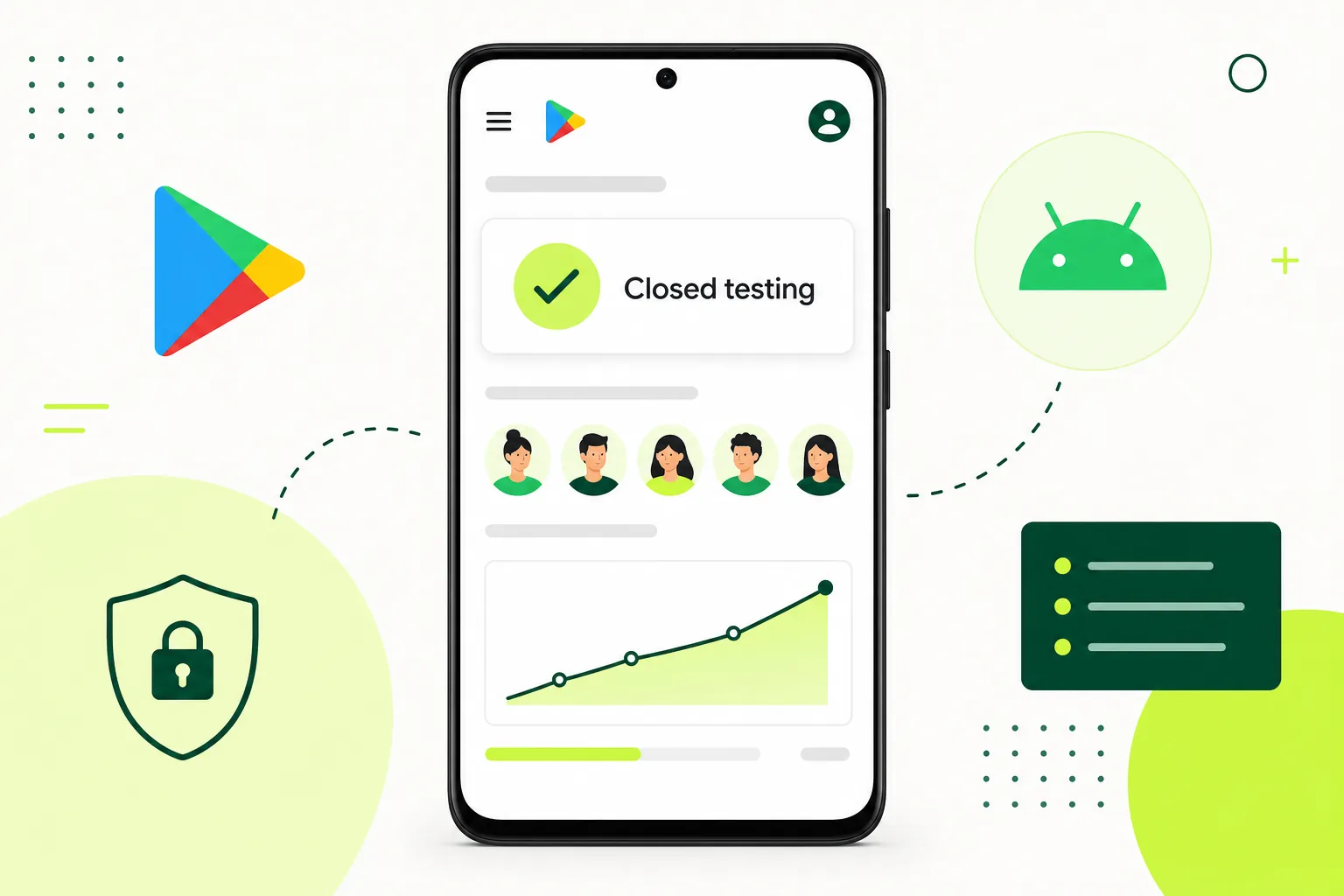
Google asks for a closed test with at least 12 testers who have been opted in for at least the last 14 days in a row. This applies to personal Play developer accounts created after 13 November 2023; organization accounts are exempt (Play Console Help 14151465). The word that matters is opted in. An invitation sitting in a list is not an opt-in.
That means three numbers can look different: how many emails you added, how many people clicked the link, and how many are opted in right now. Only the last one moves the requirement forward. Google does not publish an exact refresh time for the count, so a short delay is normal.
Fix the count step by step
- Wait a day. If testers opted in within the last few hours, give Play Console time to refresh before troubleshooting.
- Confirm you are looking at the closed track. Internal testing testers do not count toward the requirement. Go to Testing > Closed testing and select the track you are using.
- Check the release. The closed track needs a release that has been sent for review and is available. If the release is still in review, testers cannot fully join.
- Check the tester list. Open the Testers tab and make sure each email list or Google Group is ticked for this track and saved.
- Check accounts. Ask each tester which Google account is signed in to the Play Store on their phone. It must be the account you added, or a member of the Google Group you added.
- Resend the opt-in link. Copy the web opt-in link from the Testers tab and send it again. Ask testers to open it in a browser signed in with the right account and press the button to become a tester.
- Ask testers to install from the Play Store. After opting in, the Play Store listing should show the app. Installing is a good sign the opt-in worked.
- Check countries. If the closed track is limited to certain countries or regions, testers outside them may not get access.
- Check again after another day. If the count is still flat, look at the opt-in and account steps again with one tester at a time.
Mix-ups to check
One easy mistake is adding testers to the internal testing track, then wondering why the closed test shows nobody. Others add a Google Group but the testers never joined the group itself, so they are not members and cannot opt in.
Another possible cause is a tester with two Google accounts on the same phone. They opt in on one account in the browser while the Play Store uses the other. Ask them to switch accounts in the Play Store and open the link again.
When the count drops instead of rising
If the number goes down, someone has opted out or left the Google Group. That is a different problem, because the 14-day count depends on testers staying opted in. Read what to do when testers drop out before you add replacements, so your timing still works.
FAQ
Questions about this topic
How long does Play Console take to update the tester count?
Google does not publish an exact time. Wait at least a day after testers opt in before you start troubleshooting.
Do testers need to install the app to be counted?
Google's requirement talks about testers being opted in. Installing is still useful, because it confirms the opt-in worked and lets testers actually use the app and send feedback.
Do internal testers count toward the 12 testers?
No. The requirement is about a closed test. Testers on the internal testing track do not count.
Sources
Official references used
- App testing requirements for new personal developer accounts (Google Play Console Help)
Continue
Choose the next step
Related
Next pages to read
Rather not recruit testers yourself?
Our managed closed test runs 14 testers for 16 days. Google requires 12 testers for 14 days (for personal Play developer accounts created after 13 November 2023; organization accounts are exempt); the extra 2 testers and 2 days are our buffer.