Production access
Production Access Denied: Reasons and What to Change
Google denied production access for your app? Read the notice, find the likely reason, change the right things, and reapply with a stronger record.
On this page · 6 sections
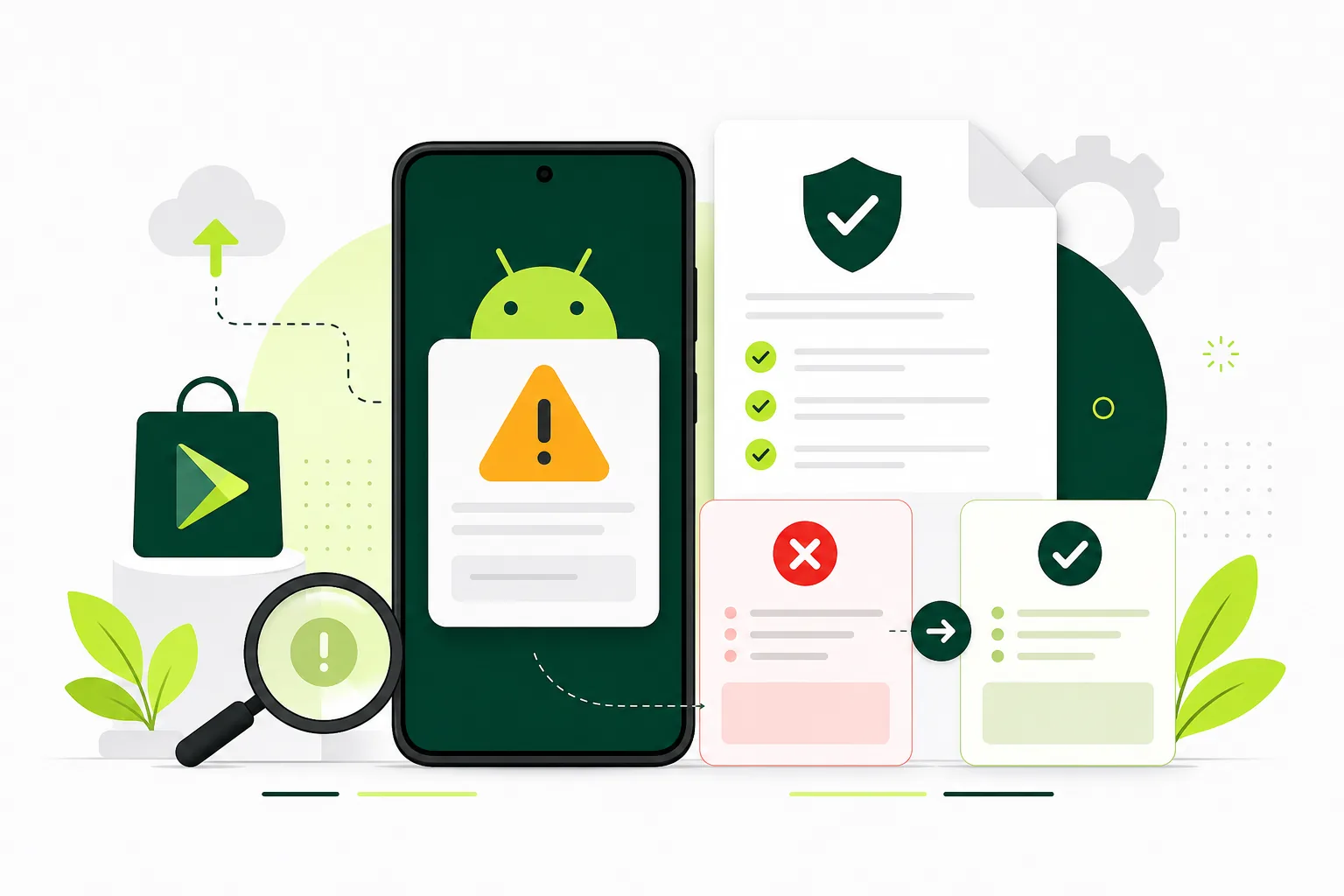
When Google denies production access, the email and the Play Console notice tell you why. Start there. The reasons tend to fall into a few groups: testers who did not really engage with the app, too little feedback or too few changes made from it, questionnaire answers that are vague or do not match what happened, or an app that does not look ready for release. Fix the specific reason given, keep testing if the notice asks for it, and reapply with answers that describe real tester activity and real changes.
Possible reasons for a denial
Google does not publish a complete list. The application asks you to describe your closed test, your app and why you think it is ready, so these are the areas worth checking first.
- Low engagement. Testers were opted in but barely used the app.
- Thin feedback. No clear record of what testers reported or how you collected it.
- No visible changes. The app did not change between the start and end of the test.
- Weak answers. Short, generic or copied answers that do not describe your app.
- Readiness concerns. Crashes, broken core features, placeholder content, or a store listing that does not match the app.
What to change, step by step
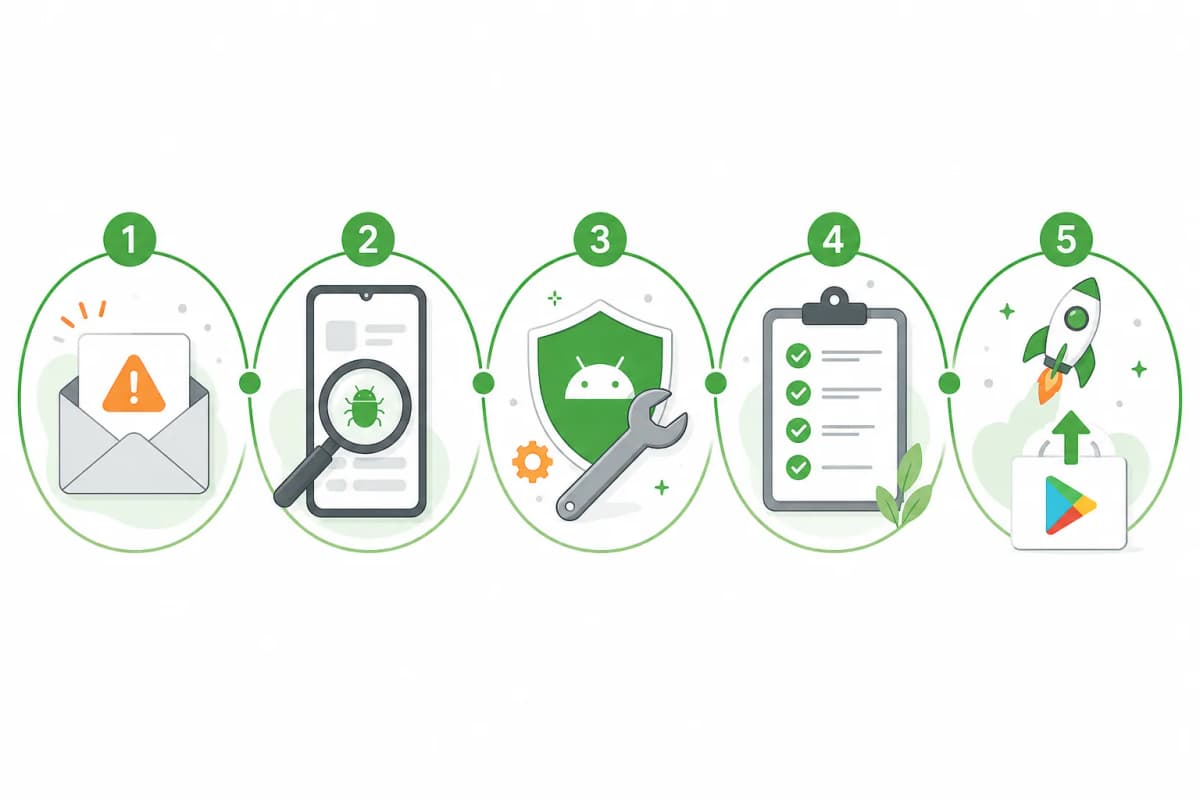
- Read the notice word for word. Write down every reason it gives, even short ones.
- Check whether it asks you to keep testing. If it does, keep your closed test running and keep testers opted in.
- Ask testers for specific feedback. Give them tasks such as signing up, completing the main action, and reporting anything confusing.
- Collect feedback in one place: a form, an email thread, or Play Console's private feedback. Keep dates.
- Ship at least one update based on that feedback. Note what changed and which feedback caused it.
- Fix crashes and broken flows. Check Android vitals and pre-launch report results for the closed track.
- Rewrite your questionnaire answers from your notes. Describe what testers did, what they said, and what you changed.
- Confirm the dashboard shows the testing requirement met, then reapply.
What not to do
Do not reapply the same day with the same answers. Do not claim engagement or feedback that did not happen. If the notice points at something you cannot see, re-read Google's help page for the requirement, and fix the app and the record before you try again.
Also avoid buying lists of accounts that will never open the app. That makes honest answers about engagement impossible.
Keep a simple test log
A short log makes a second application much easier. For each week, note how many testers were opted in, what you asked them to try, what they reported, and what you shipped. When you answer the questionnaire, you are summarising the log rather than writing from memory.
FAQ
Questions about this topic
Can I apply again after a denial?
Yes. Follow what the notice says, which may include more testing, then apply again from the Play Console dashboard.
Do I need new testers after a denial?
Not necessarily. You need at least 12 testers opted in for the last 14 days continuously when you apply. This applies to personal Play developer accounts created after 13 November 2023; organization accounts are exempt (Play Console Help 14151465). If your current testers stay opted in and engaged, they can keep counting.
Will the same answers work the second time?
Unlikely. Change the answers to reflect what you did after the denial: new feedback, new fixes and new releases.
Sources
Official references used
- App testing requirements for new personal developer accounts (Google Play Console Help)
Continue
Choose the next step
Related
Next pages to read
Rather not recruit testers yourself?
Our managed closed test runs 14 testers for 16 days. Google requires 12 testers for 14 days (for personal Play developer accounts created after 13 November 2023; organization accounts are exempt); the extra 2 testers and 2 days are our buffer.