Troubleshooting
Opt-In Link Not Working for Closed Testing: Fixes
Testers open your closed testing opt-in link and get an error or a blank page? Check the release, tester list, account and country, in this order.
On this page · 6 sections
When a closed testing opt-in link does not work, check four things first: whether the closed release is available yet, whether the tester's Google account is on the tester list, whether the tester is signed in with a different account, and whether the tester's country is included in the track. Fix them in that order. Also make sure testers use the web opt-in link from the Testers tab of the same closed track, not a link from another track or an old copy. Google's 12-tester, 14-day closed testing rule applies to personal Play developer accounts created after 13 November 2023; organization accounts are exempt (Play Console Help 14151465).
Two links, two jobs
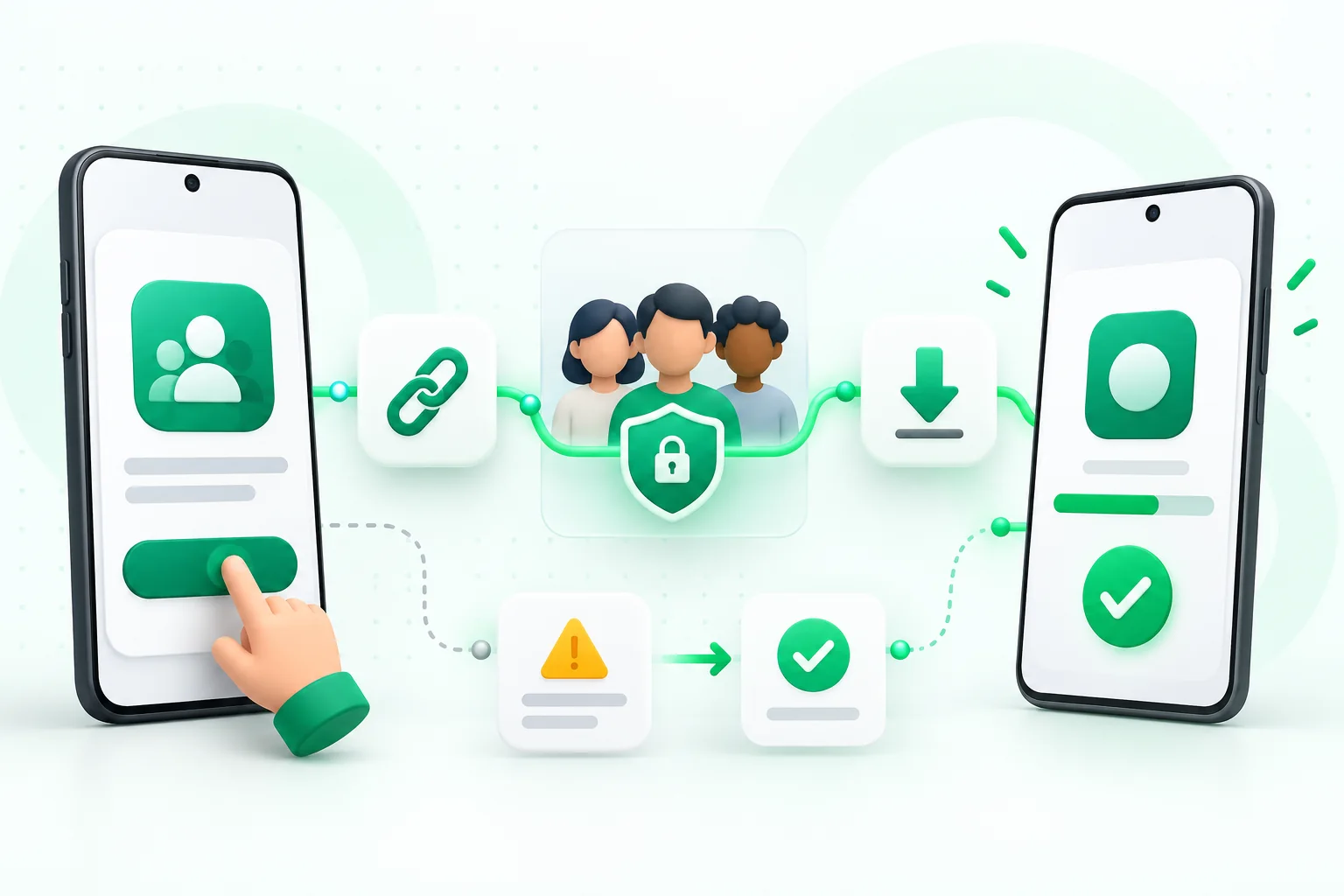
In Play Console, the Testers tab of a closed track shows a link to join on the web and a link to join on Android. The web link is the opt-in page, where the tester presses a button to become a tester. After that, the Play Store link lets them install the app.
If testers go straight to the Play Store link without opting in first, the app often will not show up for them. Send the web opt-in link first.
Fix it step by step
- Check the release. Open the closed track and confirm a release has been sent for review and is available, not still a draft or in review. The opt-in page may not work until it is.
- Copy a fresh link. Take the web opt-in link from the Testers tab of the exact track you are using. Links from internal testing or another closed track will not work for this one.
- Check the tester list. Make sure the tester's email, or the Google Group they belong to, is added and ticked for this track, and that you saved the change.
- Check the tester's account. Ask the tester to open the link in a browser where they are signed in with the email you added. Private windows with no account, or work accounts with restrictions, can cause errors.
- Check Group membership. If you use a Google Group, the tester must actually be a member of the group, not just have been sent an invite.
- Check countries and regions. If the track is limited to some countries, testers elsewhere may be blocked. Add their country or make the track available more widely.
- Check the device. If the opt-in works but the app will not install, the device may not meet your app's requirements, such as Android version.
- Try again after a short wait. Changes to the tester list or a new release can take a little time to apply.
What testers should see when it works
A working link shows a page asking the tester to become a tester for your app. After they accept, it confirms they are a tester and offers a link to download the app on Google Play. On their phone, the Play Store listing then shows the app, sometimes with a note that they are a tester.
If testers see a message that the testing version has not been published or is not available for their account, that is a separate error with its own fixes.
Give testers a short guide
Opt-in problems often come from small mix-ups on the tester's side. Send a short message with the link and three reminders: use the same Google account as the Play Store on your phone, press the button to become a tester, then install from the Play Store link.
FAQ
Questions about this topic
Can testers opt in before the release is approved?
The release needs to be available on the closed track. If it is still in review, wait until it is available and then send the link again.
Does the link change if I create a new release?
The opt-in link belongs to the track, so a new release on the same track normally keeps the same link. Copy it again from the Testers tab if in doubt.
Can I send the link on WhatsApp or email?
Yes. The channel does not matter. What matters is that the tester opens it while signed in with the right Google account.
Sources
Official references used
- App testing requirements for new personal developer accounts (Google Play Console Help)
Continue
Choose the next step
Related
Next pages to read
Rather not recruit testers yourself?
Our managed closed test runs 14 testers for 16 days. Google requires 12 testers for 14 days (for personal Play developer accounts created after 13 November 2023; organization accounts are exempt); the extra 2 testers and 2 days are our buffer.