Troubleshooting
Testers Dropped Out of My Closed Test: What to Do
Testers left your Google Play closed test and you are below 12? Work out where you stand, add replacements, and plan the new finish date.
On this page · 6 sections
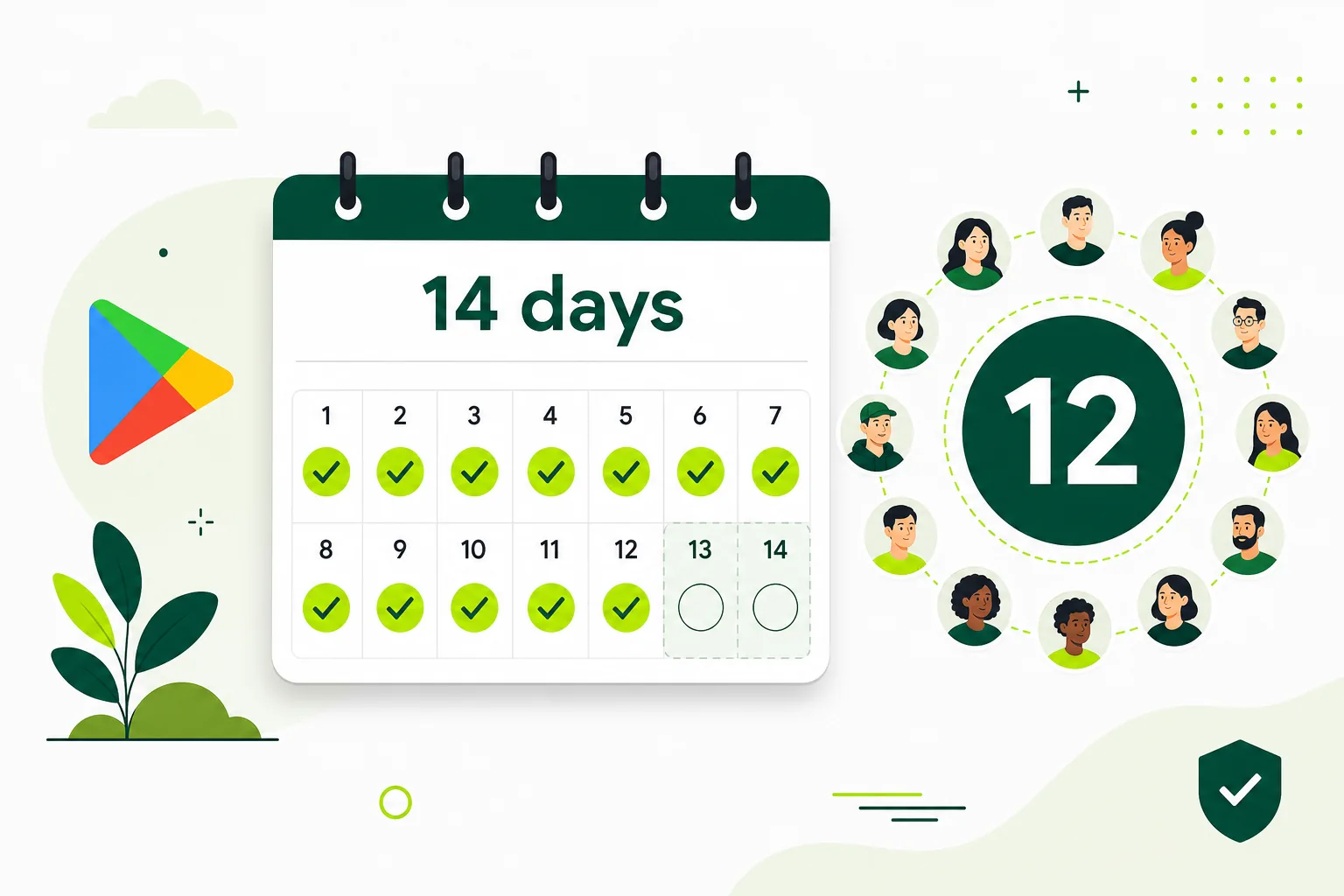
If testers dropped out of your closed test, first check how many are still opted in. If you still have 12 or more who have stayed opted in, your test can carry on as normal. If you are below 12, add new testers as soon as you can, ask the ones who left to rejoin if they are willing, and plan on the finish date moving later. Google's rule counts testers who have been opted in for the last 14 days in a row, so a new tester needs their own continuous 14 days before they help you qualify. This applies to personal Play developer accounts created after 13 November 2023; organization accounts are exempt (Play Console Help 14151465).
Why dropouts matter
The requirement is at least 12 testers opted in to a closed test for at least the last 14 days continuously. This applies to personal Play developer accounts created after 13 November 2023; organization accounts are exempt (Play Console Help 14151465). A tester who opts out, leaves the Google Group you use, or is removed from the list stops being opted in. Google doesn't say whether earlier days count when a tester rejoins, so plan as if they don't.
This is why running only 12 testers is risky. One person changing their mind on day 10 can push your whole timeline back. A few spare testers give you room.
Recover step by step
- Check the real number. In Play Console, look at the closed track and the dashboard progress for the testing requirement. Write down how many testers are opted in today.
- Find out who left and why. If you use a Google Group, check its member list. Ask anyone who left whether it was a mistake, such as removing the app or switching phones.
- Ask accidental leavers to rejoin. A tester can opt in again with the same link. Google doesn't say whether earlier days count when a tester rejoins, so plan as if they don't.
- Add replacement testers. Add new emails or new Group members and send them the opt-in link. Aim for more than you need, not exactly 12.
- Work out the new date. Take the date your twelfth current tester opted in and add 14 full days. That is the earliest point the rule can be met, assuming nobody else leaves.
- Keep testers informed. Send a short note with what to try in the app and how to send feedback. People who know what is expected are less likely to drift away.
- Apply only when the dashboard shows the requirement is met. Do not apply early based on your own count.

How to reduce dropouts next time
Tell testers up front how long the test runs and that they should keep the app installed and stay in the group until you say it is finished. Give them one clear task in the app, a way to send feedback, and a reminder in the middle of the test.
Remove friction too. If the app needs a login, give testers a test account. If a feature is region-locked, say so. People leave when they cannot get past the first screen.
- Recruit a few more testers than the minimum.
- Use one Google Group so joining is a single step.
- Send a mid-test check-in message.
- Fix crashes quickly and tell testers when a new build is out.
What not to do
Do not add fake accounts or accounts that will never open the app. When you apply for production access, you describe your closed test, and a list of people who did nothing makes that hard to do honestly.
FAQ
Questions about this topic
If a tester leaves and rejoins, do their earlier days count?
Google doesn't say whether earlier days count when a tester rejoins, so plan as if they don't. In practice, count a returning tester's 14 days from the day they opt in again.
Do I need to restart the whole closed test?
No. Testers who stayed opted in keep their streak. You only need enough testers to reach 12 with 14 continuous days each.
How many spare testers should I have?
Google does not set a number. A few above 12 gives you room if someone leaves. Our plans use 14 testers for 16 days for this reason. Google requires 12 testers for 14 days (for personal Play developer accounts created after 13 November 2023; organization accounts are exempt); the extra 2 testers and 2 days are our buffer.
Sources
Official references used
- App testing requirements for new personal developer accounts (Google Play Console Help)
Continue
Choose the next step
Related
Next pages to read
Rather not recruit testers yourself?
Our managed closed test runs 14 testers for 16 days. Google requires 12 testers for 14 days (for personal Play developer accounts created after 13 November 2023; organization accounts are exempt); the extra 2 testers and 2 days are our buffer.