Google Play closed testing service
Get 12 testers for 14 days — Google Play closed testing
From $15 for one app · $29 for two apps. Each run includes 14 real Android testers across a managed 16-day window with opt-ins, monitoring, and a closeout report.
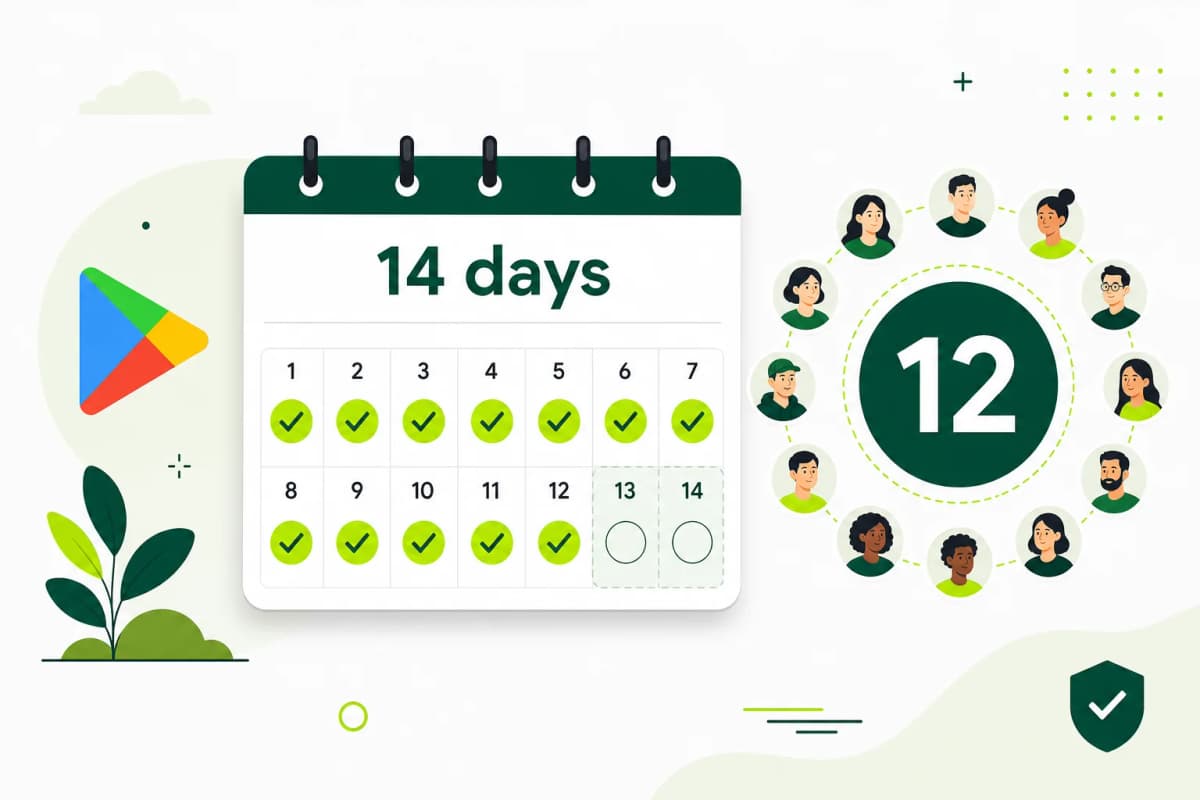
We meet Google's 12 testers × 14 days by assigning ~14 testers for ~16 days (buffer).
Completing 12×14 makes you eligible to apply. Google decides production access — we don't sell or guarantee approval.
- 99.9% success rate
- 14 testers included
- 16-day managed window
Need a free option? Find volunteer testers in the public community (on-site community hub and Google Group) · Reviewed against Google Play guidance · Updated September 2, 2026
Proof
A managed testing run—not a list of disposable accounts.
The minimum is simple on paper. The operational work is getting every tester through the correct Play Console flow, keeping a safe opted-in count, collecting useful feedback, and documenting what changed before you request production access.
12+ verified testers
Real Android users join through your official Google Play closed-testing opt-in path.
Full 14-day coverage
The opted-in group is coordinated across the complete continuous testing window.
Buffer and monitoring
Participation is monitored so you can react before the tester count becomes a launch risk.
Testing closeout
You receive participation and feedback notes to prepare specific production-access answers.
The requirement
What Google officially requires
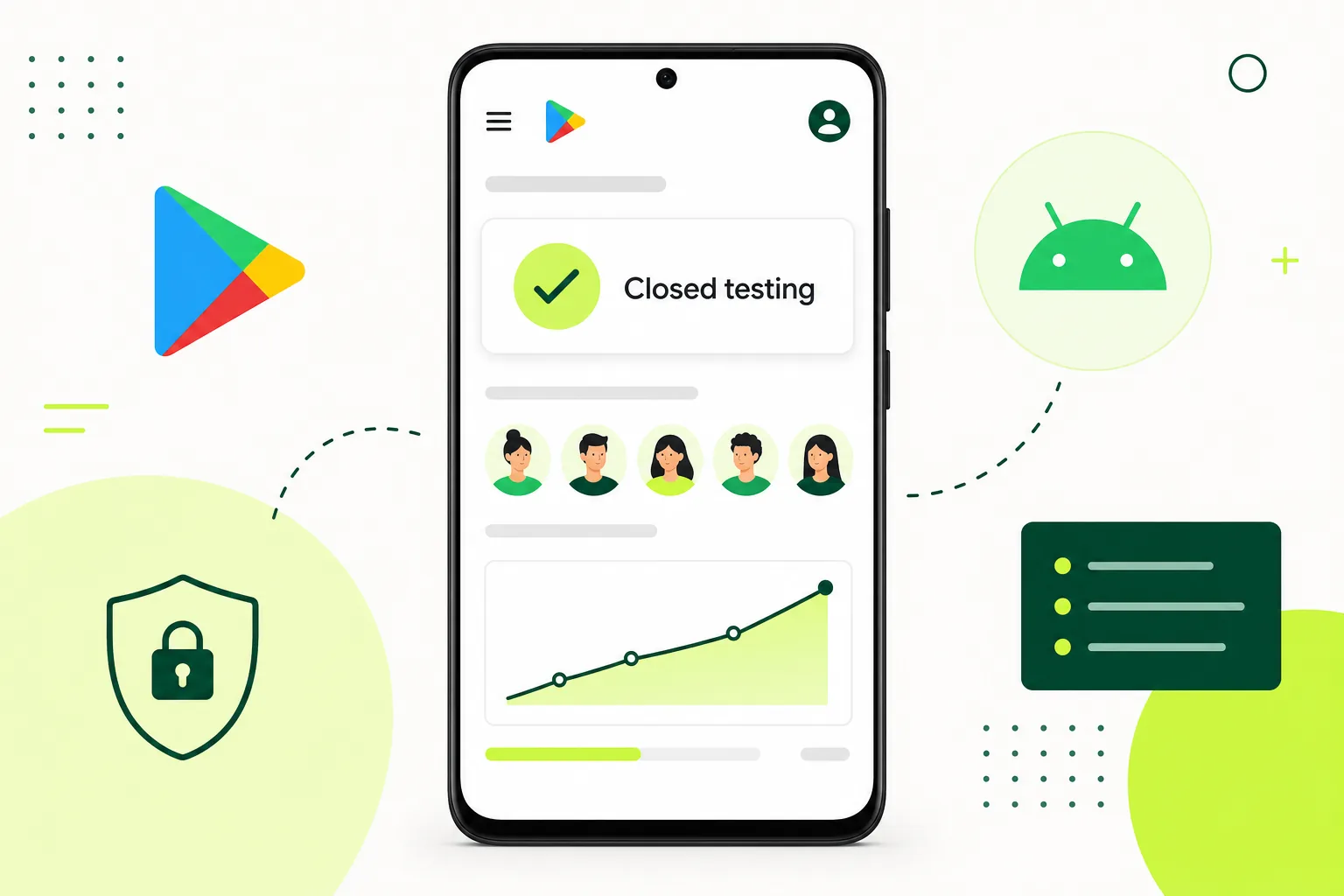
Google states that affected new personal developer accounts must run a closed test with at least 12 testers who have been opted in for the last 14 days continuously before applying for production access.
- Applies to affected personal developer accounts created after November 13, 2023
- Requires at least 12 testers opted in to a closed test
- The testers must cover the last 14 days continuously when you apply
- Completing the requirement allows you to apply; Google still decides production access
Managed process
From your opt-in link to a production-access-ready testing record
Kickoff
Share your opt-in link and build details
Opt-in
12+ verified testers join your closed test
14 days
Continuous activity across the full window
Apply
Apply for production access with evidence
Progress visibility
See where your testing run stands.
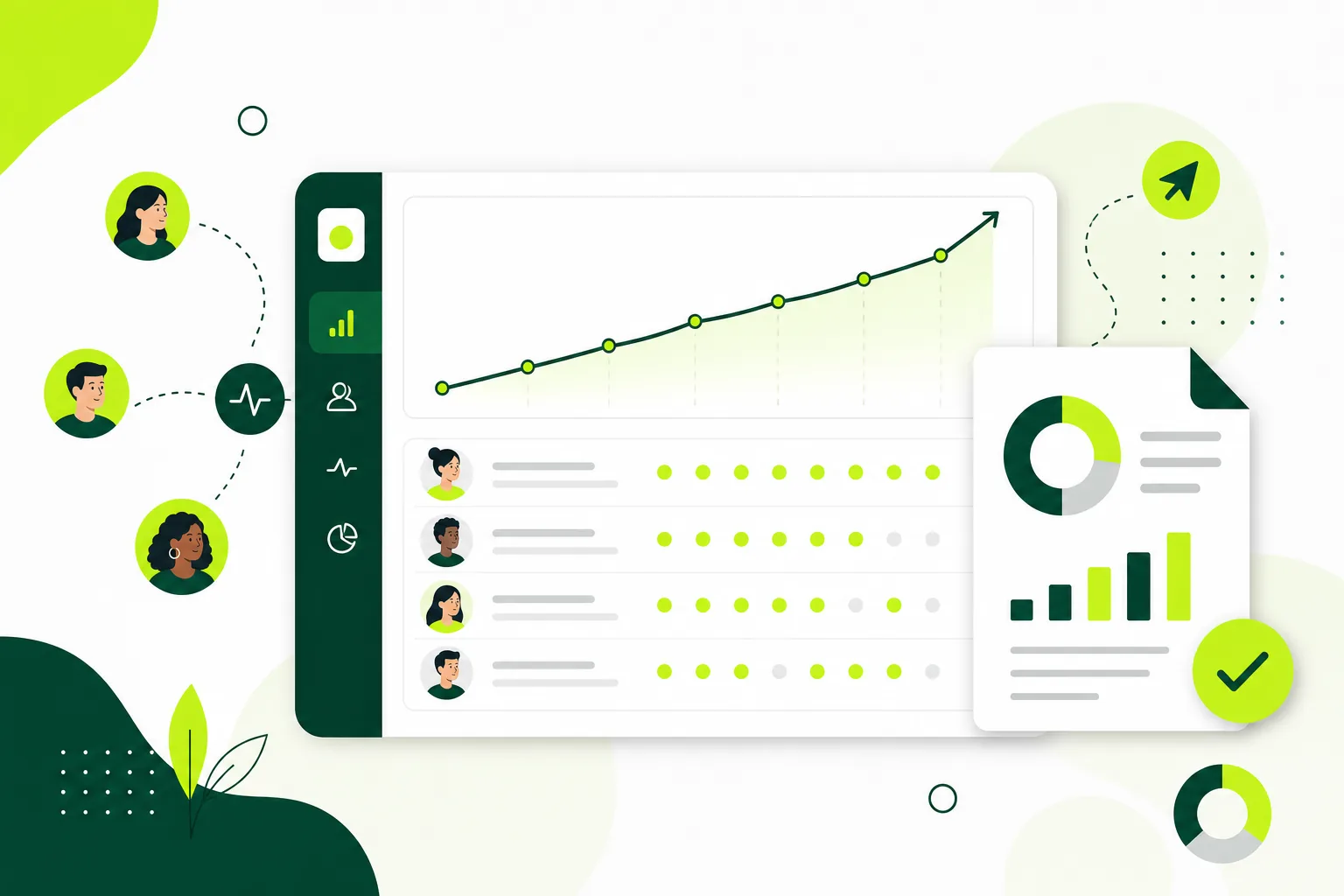
Your workspace brings the testing timeline, active assignments, progress updates, and reports together so you are not piecing status together from chat messages.
- Testing status and 16-day timeline
- Active tester assignment count
- Progress updates and tester reports
- One place for each app you submit
Release candidate
8 days complete8 days remaining
Latest updates
Testing is underwayUsage checks and feedback collection continue.
All testers assigned14 participants joined the managed run.
Illustrative preview based on the 12Tester14Days run workspace.
Why teams buy managed testing
Price, visibility, support, and honest scope
Clear pricing
$15 for one app or $29 for two — published on this page, no sales call required.
Run visibility
Timeline, assignments, progress updates, and reports in your 12Tester14Days workspace.
Support included
Email and WhatsApp if opt-ins, assignments, or reporting get blocked.
Honest scope
We coordinate closed testing. Google still decides production access.
Common failure modes
Most 14-day delays come from coordination—not code
Invitations sent, but testers never complete the official opt-in
A different Google account is used for opt-in and Play Store installation
The count falls below 12 because there is no tester buffer
The app produces little useful feedback for the production-access questionnaire
Start your testing run
Bring your Play Console link and start closed testing
Choose a plan, share your closed-testing details, and keep your product team focused on fixes instead of recruitment and reminders.
See $15 and $29 plansFAQ
FAQ before you buy a 12-tester run
Completing the closed-test requirement lets an affected account apply for production access. It does not guarantee approval of the app.
What does 12Tester14Days charge for a managed closed-testing run?
Managed Google Play closed testing from $15 (1 app) / $29 (2 apps) — 14 testers, 16 days, opt-in monitoring, closeout report. Does not sell production access.
Is 12Tester14Days a paid service or a free tester community?
12Tester14Days has two different paths. Paid managed closed testing from $15 (1 app) / $29 (2 apps) assigns 14 testers, monitors a 16-day window, and includes a closeout report. Free community testing lets you recruit peer testers yourself and does not guarantee 12 testers for 14 days.
What exactly is the 12 testers for 14 days requirement?
Google requires newly created personal developer accounts to run a closed test with at least 12 testers who have been opted in for the last 14 days continuously before the account can apply for production access on Google Play.
How do I get 12 testers for 14 days quickly?
The fastest reliable route is a managed testing service. 12Tester14Days assigns 12+ verified Android testers within about 24 hours of receiving your closed testing opt-in link, and keeps them active for the full 14-day window.
What happens if a tester opts out during the 14 days?
If your opted-in count drops below 12, the continuous window can break and the clock may restart. 12Tester14Days monitors the count daily and keeps buffer testers ready so a dropout is replaced before it affects your timeline.
Do the testers need to use my app every day?
Google's written rule focuses on continuous opt-in, but reviewers also look at engagement when you apply for production access. 12Tester14Days testers open and use your app across the window so your application shows genuine activity.
Does internal testing count toward the 12 testers requirement?
No. Only the closed testing track counts. Internal testing is useful for early QA, and open testing only becomes available after production access.
When can I apply for production access?
Once Play Console shows at least 12 testers opted in for the last 14 continuous days, the Apply for production option appears on your dashboard. You then answer a questionnaire about your testing process before Google reviews the application.
Are these real people or bots?
12Tester14Days uses real people testing on physical Android devices. We do not use bots, emulators, or duplicate accounts for managed closed-testing runs.
Is free community testing available if I cannot buy a run yet?
12Tester14Days has two different paths. Paid managed closed testing from $15 (1 app) / $29 (2 apps) assigns 14 testers, monitors a 16-day window, and includes a closeout report. Free community testing lets you recruit peer testers yourself and does not guarantee 12 testers for 14 days.
Verified references
Official sources and next reading
Free community testing
Free community testing is available if you are not ready to buy
12Tester14Days also offers free community testing. Post your Android app in the public hub, recruit volunteer testers, and help another developer in return. Free community testing is self-managed and does not guarantee 12 testers for 14 days. Choose a managed Google Play closed testing run when you need verified opt-ins, daily activity, and a closeout report.
Open free community testing


