Closed Testing
Write a Tester Invitation That Prevents Join Confusion
Give participants the account, access, and reporting information they need in one message.
On this page · 4 sections
At a glance
In plain English
- Prepare a single source of instructions
- Diagnose where joining stopped
- End with a small first task
Prepare a single source of instructions
Include the app name, the intended testing link, any group membership step, the expected device, and a support contact. Label links by purpose instead of sending several unexplained URLs. Test your instructions with someone who did not help configure the release.
Diagnose where joining stopped
Ask whether the participant can open the invitation, accept participation, reach the listing, and install. Record the exact screen where progress stops. Check account selection, eligibility settings, release availability, and device compatibility before telling everyone to reinstall.
End with a small first task
Once access works, ask the participant to complete one core journey and report the build version with their observation. Confirm that they know where to send subsequent feedback. That first exchange verifies your communication process as well as app access.
Sources
Official references used
- App testing requirements for new personal developer accounts (Google Play Console Help)
- Set up an open, closed, or internal test (Google Play Console Help)
Continue
Choose the next step
Related
Next pages to read
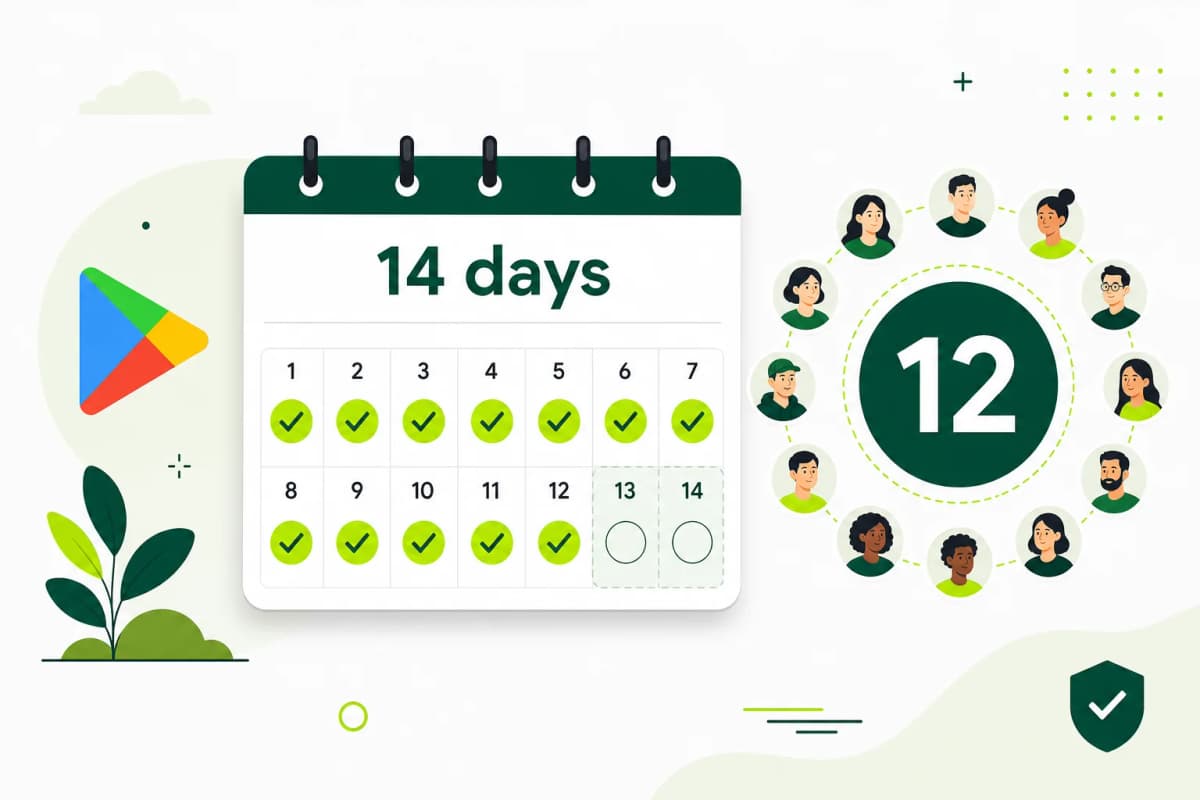
Need 12 testers for 14 days?
Start a managed Google Play closed-testing run with verified testers, opt-in monitoring, and a closeout report.