Requirements
Closed Testing vs Internal Testing: Which Do You Need?
Internal testing is for quick checks with your own team. Closed testing is what counts for Google's 12-tester rule. Here is when to use each track.
On this page · 7 sections
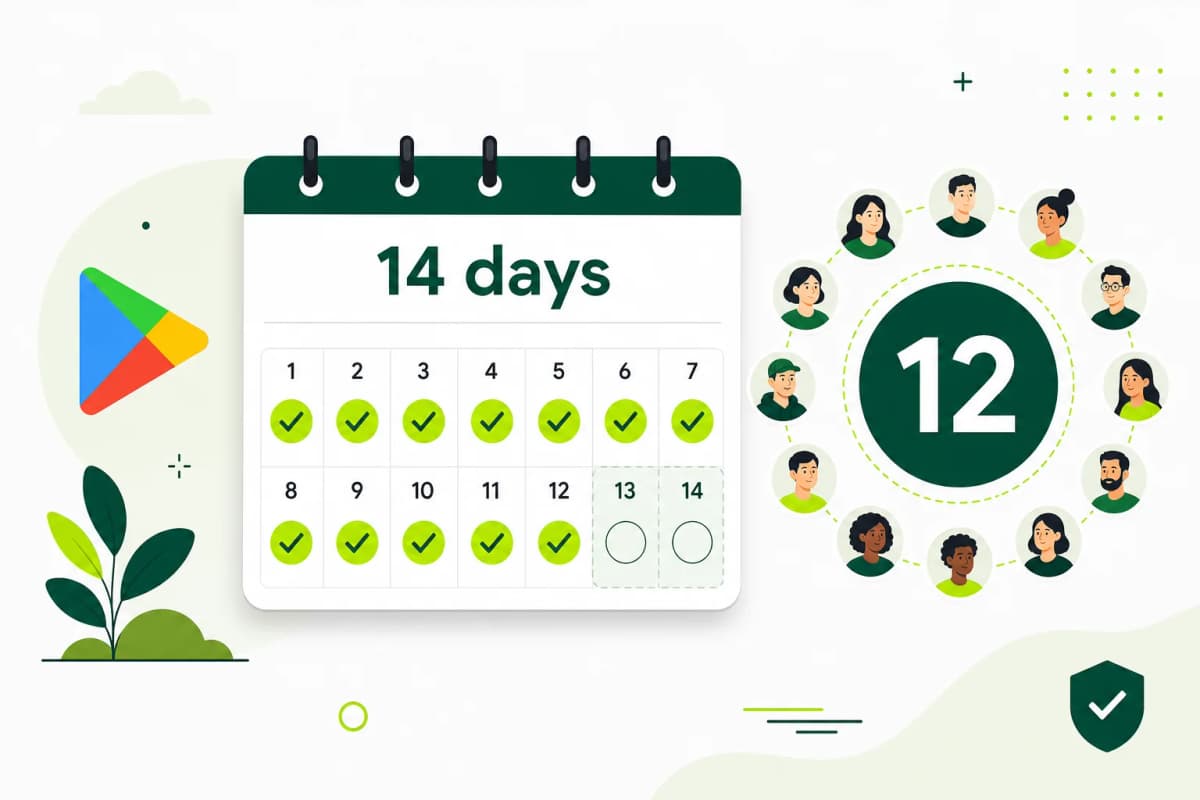
If you have a personal Play developer account created after 13 November 2023 and need production access, you need closed testing; organization accounts are exempt (Play Console Help 14151465). Google's requirement is a closed test with at least 12 testers opted in for the last 14 days continuously, and internal testing does not count toward it. Internal testing is still useful: it is a simple way to get a build onto your own and your team's phones for quick checks. You can use both: internal for quick builds and closed for the qualifying test.
The difference in short
- Internal testing: a small group, usually your own team. Good for checking a build works before a wider test. Does not count toward the 12-tester requirement.
- Closed testing: a test with people you invite by email list or Google Group. Releases go through review. This is the track the production access requirement looks at.
- Production: for new personal accounts, you can publish to production only after Google grants production access.
Which one to use, step by step
- Upload your first build to internal testing and install it on your own device to catch obvious problems.
- Fix anything that crashes or blocks sign-up.
- Create a closed testing track, or use the default one, and add a release.
- Add testers by email list or Google Group on the closed track's Testers tab.
- Send testers the web opt-in link from that closed track.
- Keep at least 12 testers opted in for 14 continuous days, and collect feedback.
- Keep using internal testing for quick builds while the closed test runs, if that helps you work faster.
- Apply for production access from the dashboard when the requirement shows as met.
A mistake to avoid
One mistake to avoid is adding all testers to internal testing, waiting two weeks, and finding the closed test shows zero progress. If your goal is production access, check that your testers are on the closed track before you start counting days.
Another mix-up is sending testers the internal testing link while expecting them to join the closed test. Each track has its own tester list and its own link.
Can the same people be in both?
Yes. A tester can be on your internal list and your closed list. For the requirement, what matters is that they opted in to the closed test. If you move people over, send them the closed track's link and ask them to opt in again there.
When internal testing is the better choice
Use internal testing when you want a build on your own phone quickly, when you are checking a fix before sending it to closed testers, or when a teammate needs to try something today. It is a working tool, not a step toward production access.
A simple routine works well: upload to internal, check it on one or two devices, then promote the same build to the closed track. Closed testers then get builds that you already know install and start correctly.
FAQ
Questions about this topic
Does internal testing count toward the 14 days?
No. Only the closed test counts toward the requirement for personal Play developer accounts created after 13 November 2023.
Can I use more than one closed track?
Play Console lets you create extra closed tracks. Keep it simple and use one track for the qualifying test so the tester count is in one place.
Do organisation accounts need closed testing?
No. The 12-tester, 14-day requirement applies to personal Play developer accounts created after 13 November 2023; organization accounts are exempt (Play Console Help 14151465).
Sources
Official references used
- App testing requirements for new personal developer accounts (Google Play Console Help)
Continue
Choose the next step
Related
Next pages to read
Rather not recruit testers yourself?
Our managed closed test runs 14 testers for 16 days. Google requires 12 testers for 14 days (for personal Play developer accounts created after 13 November 2023; organization accounts are exempt); the extra 2 testers and 2 days are our buffer.