Closed Testing
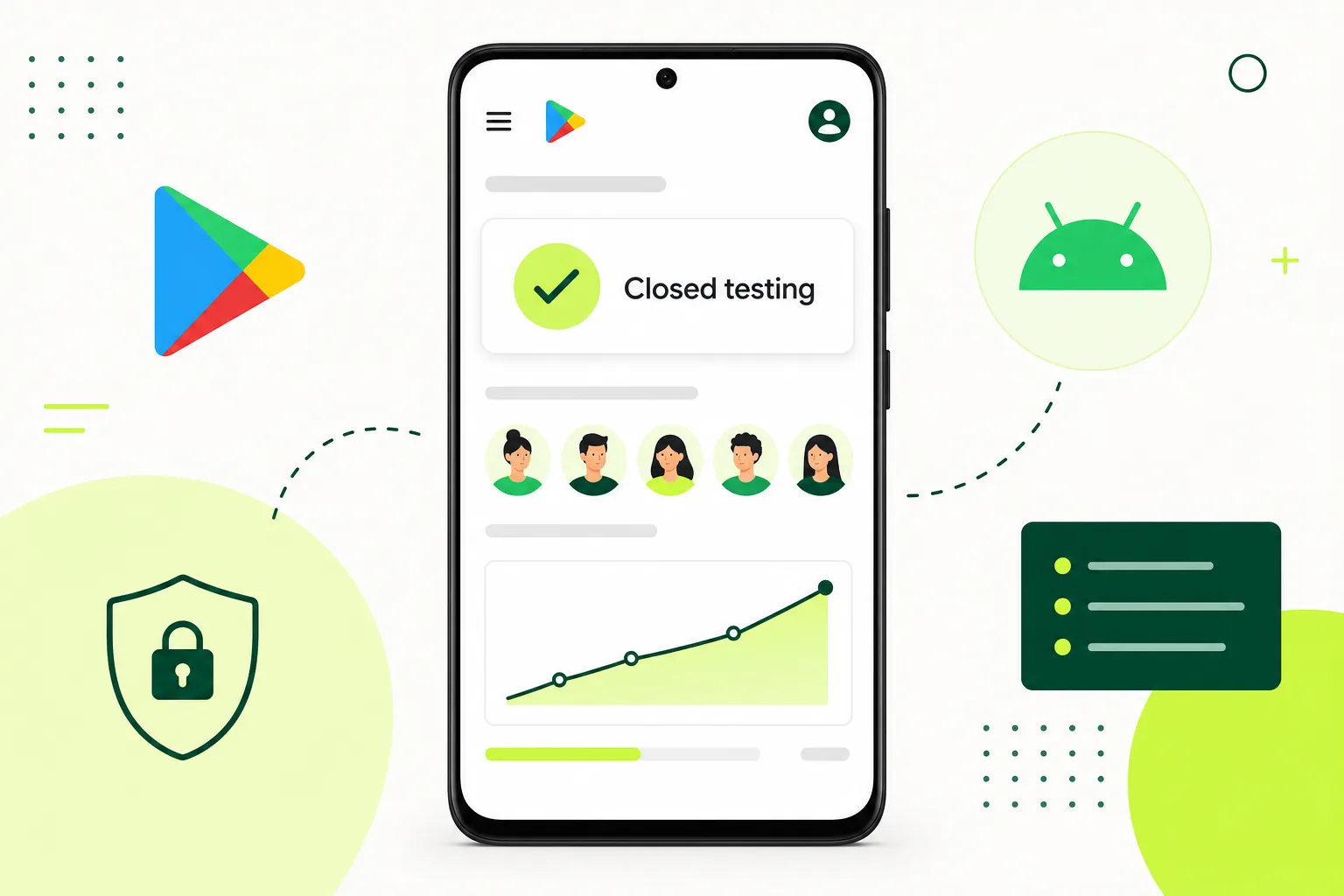
Your First Closed Track: A Private Rehearsal for Android Users
Understand the purpose of a closed track through a simple app-testing example.
On this page · 4 sections
At a glance
In plain English
- Separate access from feedback
- Try a notebook-app rehearsal
- Choose the next useful action
Separate access from feedback
Think of a closed track as a controlled doorway to an unpublished version. Choosing who can enter does not tell you what those people learned. Plan distribution and feedback as two related tasks: make the build reachable, then give participants something meaningful to try.
Try a notebook-app rehearsal
Imagine a notes app with account sync. Ask a tester to create a note, edit it without a connection, reconnect, and reopen it on another device. The resulting report says much more about readiness than a confirmation that the app installed. This is an illustrative exercise, not a customer case study.
Choose the next useful action
Check the prompts in your own Play Console account to understand your publishing requirements. Then prepare a short test brief and verify access with one participant before inviting the group. Keep a feedback channel open while you investigate the first results.
Sources
Official references used
- App testing requirements for new personal developer accounts (Google Play Console Help)
- Set up an open, closed, or internal test (Google Play Console Help)
Continue
Choose the next step
Related
Next pages to read
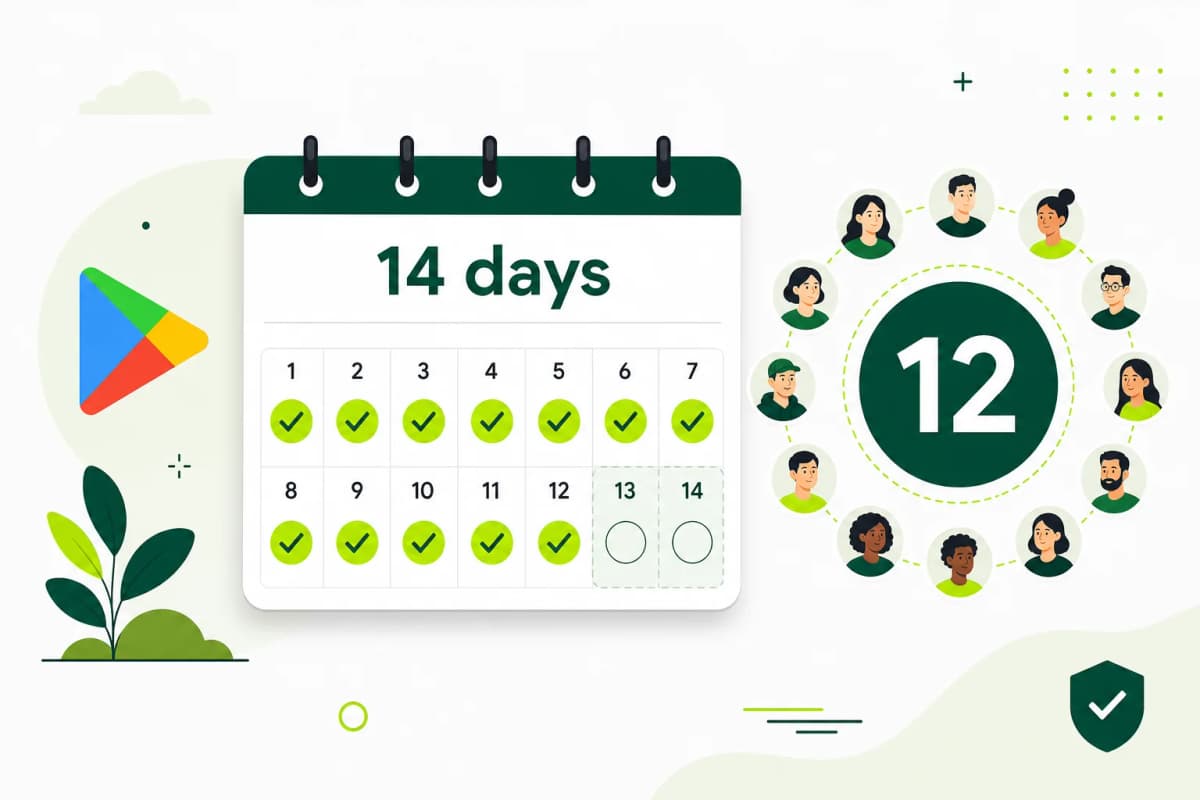
Need 12 testers for 14 days?
Start a managed Google Play closed-testing run with verified testers, opt-in monitoring, and a closeout report.