Testing
Which Bugs Need a Phone, and Which Need an Emulator?
Split Android checks between repeatable simulations and hands-on device sessions.
On this page · 4 sections
At a glance
In plain English
- Use a repeatable laboratory
- Look for physical constraints
- Combine the evidence
Use a repeatable laboratory
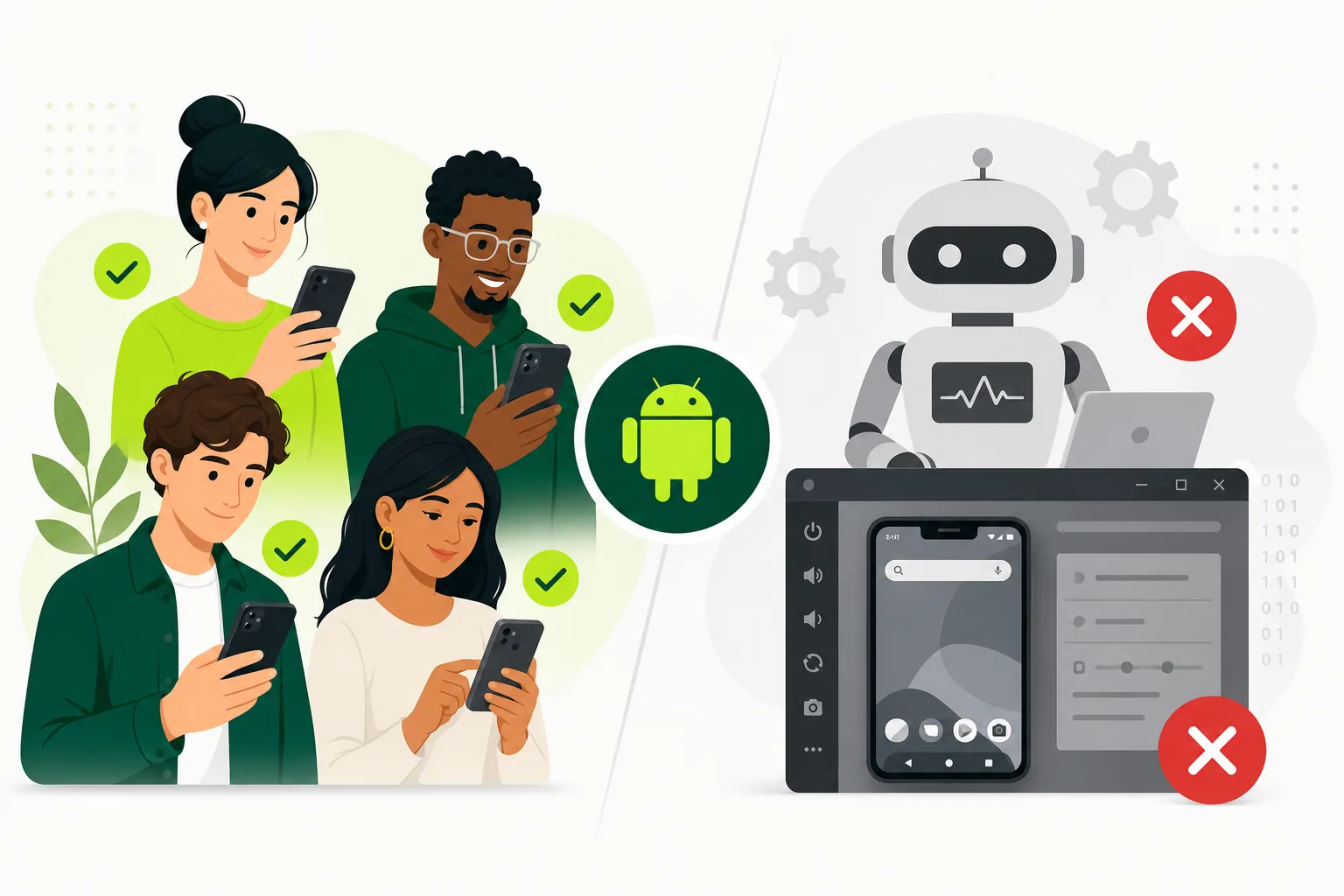
An emulator is useful when you need to recreate an operating-system version, screen size, or clean installation. Save a repeatable setup for regression checks. This helps establish whether the latest build introduced a failure without confusing the result with a participant's existing app data.
Look for physical constraints
A real phone introduces handling, battery behaviour, manufacturer settings, and interruptions. Ask a participant to use the app while switching networks or returning from a phone call. Note the device and conditions rather than assuming one successful phone session represents every model.
Combine the evidence
If a participant reports a lost form, reproduce the same sequence in your controlled setup. After the fix, return it to the original device for confirmation. Keep both observations: the emulator helps isolate the cause, while the physical device tests whether the repair works in context.
Sources
Official references used
- App testing requirements for new personal developer accounts (Google Play Console Help)
- Set up an open, closed, or internal test (Google Play Console Help)
Continue
Choose the next step
Related
Next pages to read
Need 12 testers for 14 days?
Start a managed Google Play closed-testing run with verified testers, opt-in monitoring, and a closeout report.