Troubleshooting
Build a Useful Response When Production Access Is Declined
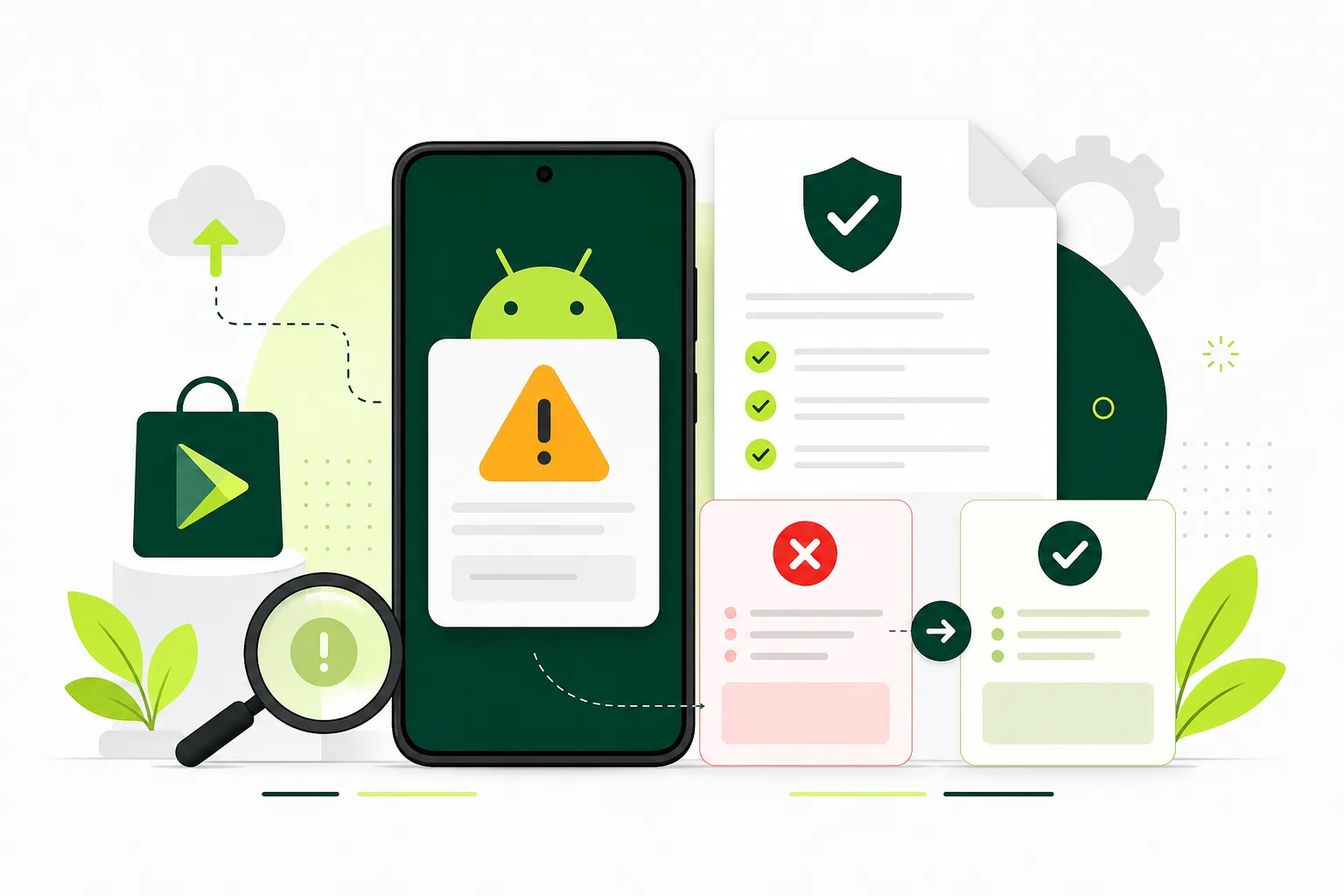
Convert a review message into a focused investigation and documented changes.
On this page · 4 sections
At a glance
In plain English
- Preserve the exact message
- Create an issue-to-evidence table
- Resubmit when the facts have changed
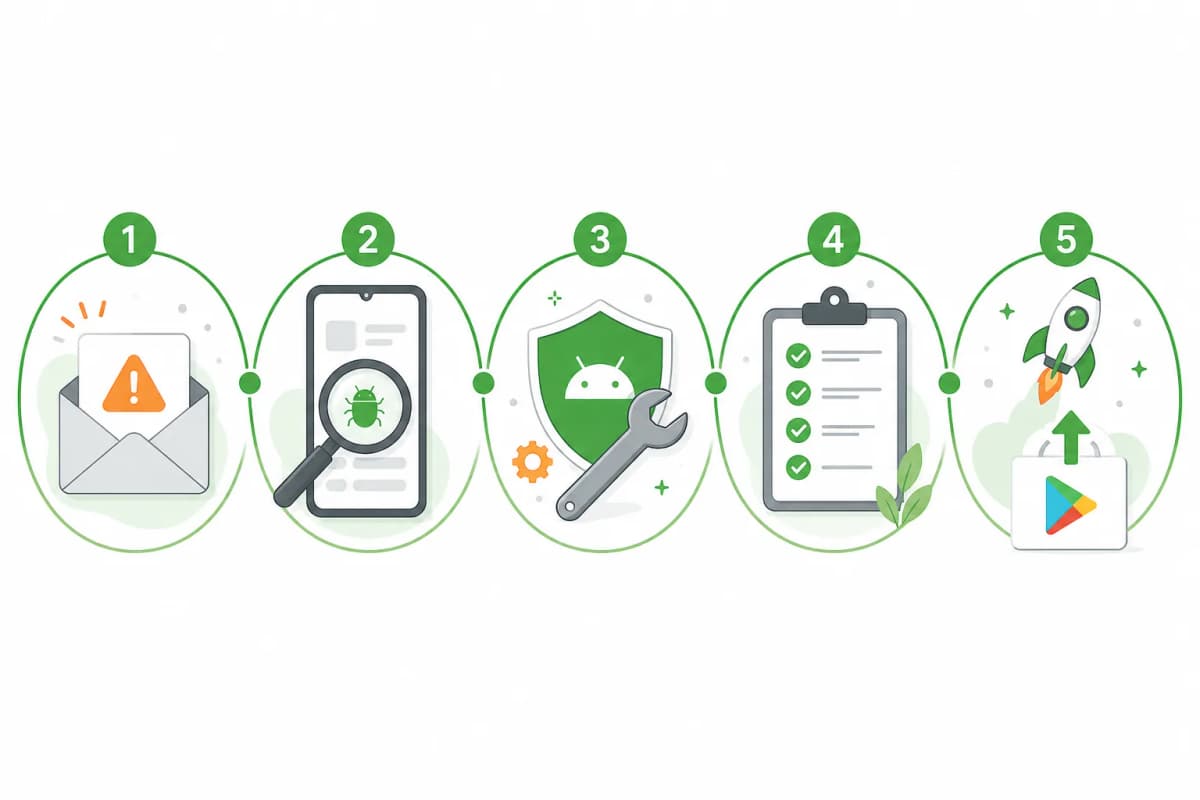
Preserve the exact message
Save the review wording and identify which application or build it concerns. Separate comments about participation from comments about app quality or policy. Avoid changing several unrelated settings at once, because that makes the effect of each correction harder to understand.
Create an issue-to-evidence table
For every concern, record your interpretation, the check you performed, the change made, and the evidence still missing. If engagement is unclear, examine actual tasks and feedback rather than manufacturing activity. If access is blocked, reproduce the reviewer journey with a clean account.
Resubmit when the facts have changed
Use the instructions provided in Play Console for the next submission. Explain the concrete correction and its verification without promising an outcome. If the message is ambiguous, seek clarification through the available support route before repeating the same application.
Sources
Official references used
- App testing requirements for new personal developer accounts (Google Play Console Help)
- Set up an open, closed, or internal test (Google Play Console Help)
Continue
Choose the next step
Related
Next pages to read
Need 12 testers for 14 days?
Start a managed Google Play closed-testing run with verified testers, opt-in monitoring, and a closeout report.