Comparison
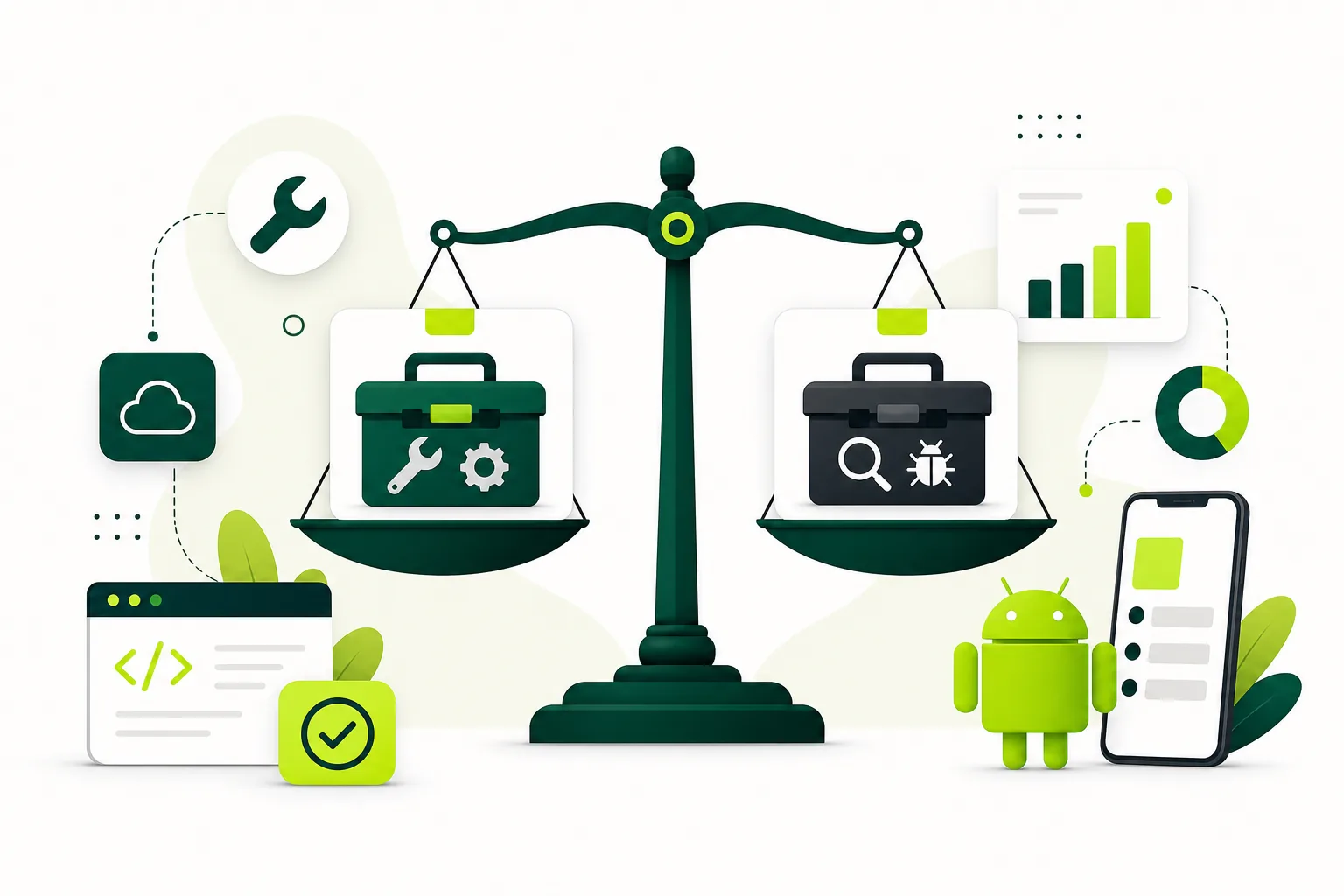
Two Testing Tracks, Two Different Release Decisions
Decide when a build should stay with your team and when it is ready for a wider private group.
On this page · 4 sections
At a glance
In plain English
- Use the team track to remove obvious blockers
- Invite fresh eyes when the brief is ready
- Verify which track serves your requirement
Use the team track to remove obvious blockers
Before inviting unfamiliar participants, check installation, launch, sign-in, and the central task with trusted collaborators. Fix failures that would prevent anybody from reaching useful screens. Treat this as a preparation stage, not as proof that the product is intuitive.
Invite fresh eyes when the brief is ready
A private external group can reveal assumptions that colleagues share with you. Provide a stable build, a feedback route, and test data. Keep track names and build versions in reports so observations from different releases do not become mixed together.
Verify which track serves your requirement
Consult Play Console for the required publishing path. Time spent on an internal track should not be represented as qualifying closed-test participation. Choose tracks for their actual purpose and preserve separate notes for each stage.
Sources
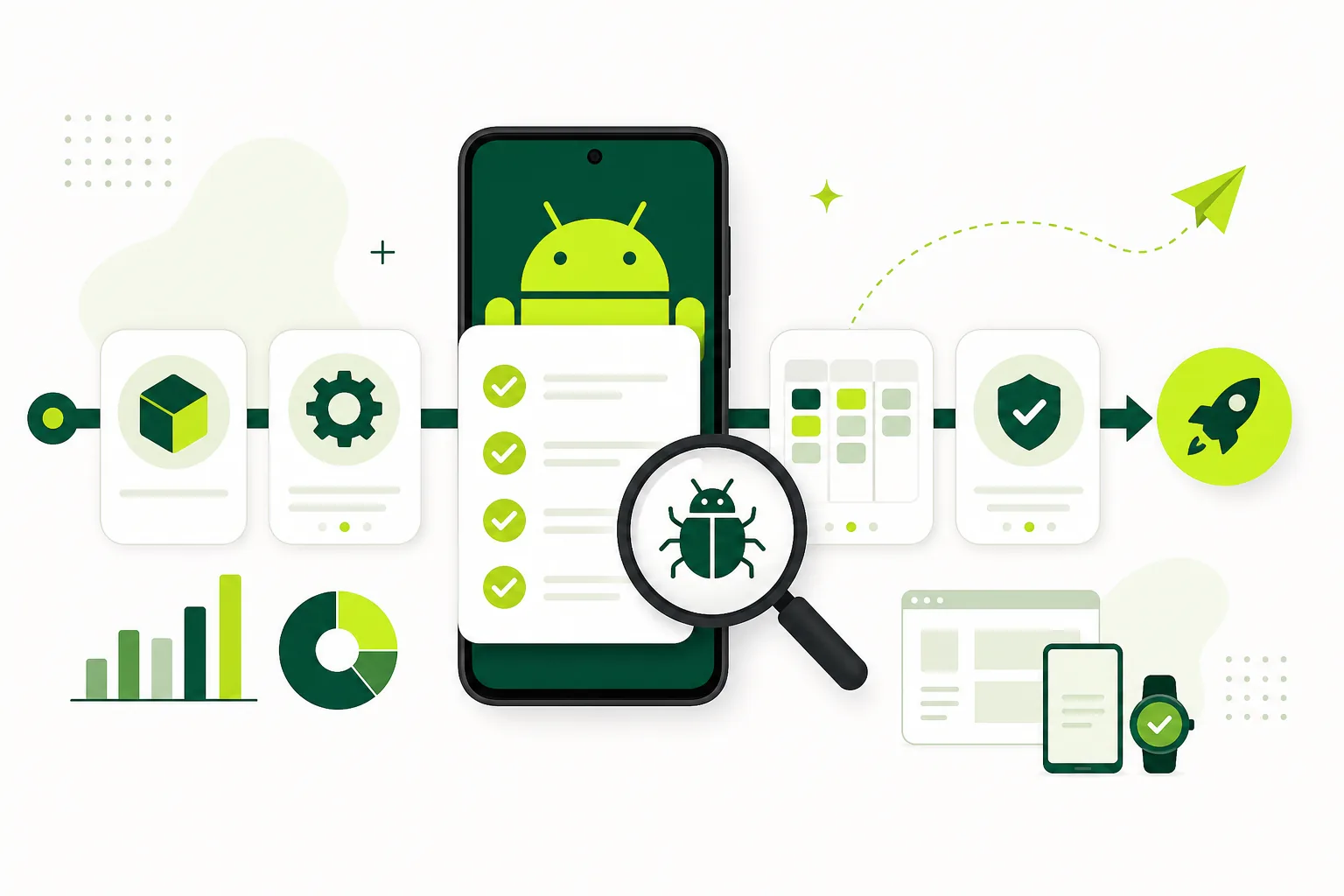
Official references used
- App testing requirements for new personal developer accounts (Google Play Console Help)
- Set up an open, closed, or internal test (Google Play Console Help)
Continue
Choose the next step
Related
Next pages to read
Need 12 testers for 14 days?
Start a managed Google Play closed-testing run with verified testers, opt-in monitoring, and a closeout report.