Guide
Prepare a Closed Test You Can Explain to a Reviewer
Build a record of decisions, discoveries, and fixes while your Android app is being tested.
On this page · 4 sections
At a glance
In plain English
- Start with three questions
- Make findings traceable
- Close the run with a decision
Start with three questions
Before recruiting, write down what you need to learn. Can a new user finish onboarding? Does saved work survive a restart? Can someone recover from a failed request? Give each question a clear success condition. A small set of observable outcomes is easier to investigate than an instruction to test everything.
Make findings traceable
For each report, record the build, device, steps, expected result, and observed result. Give the issue an owner and ask another tester to repeat the corrected flow. For example, a shopping-list app should preserve a partially edited list after a network interruption; a screenshot alone cannot demonstrate that recovery.
Close the run with a decision
List unresolved defects alongside completed fixes. Explain why each remaining issue does or does not block release. Keep that decision separate from eligibility in Play Console: a finished checklist is your quality assessment, not a promise of Google's approval.
Sources
Official references used
- App testing requirements for new personal developer accounts (Google Play Console Help)
- Set up an open, closed, or internal test (Google Play Console Help)
Continue
Choose the next step
Related
Next pages to read
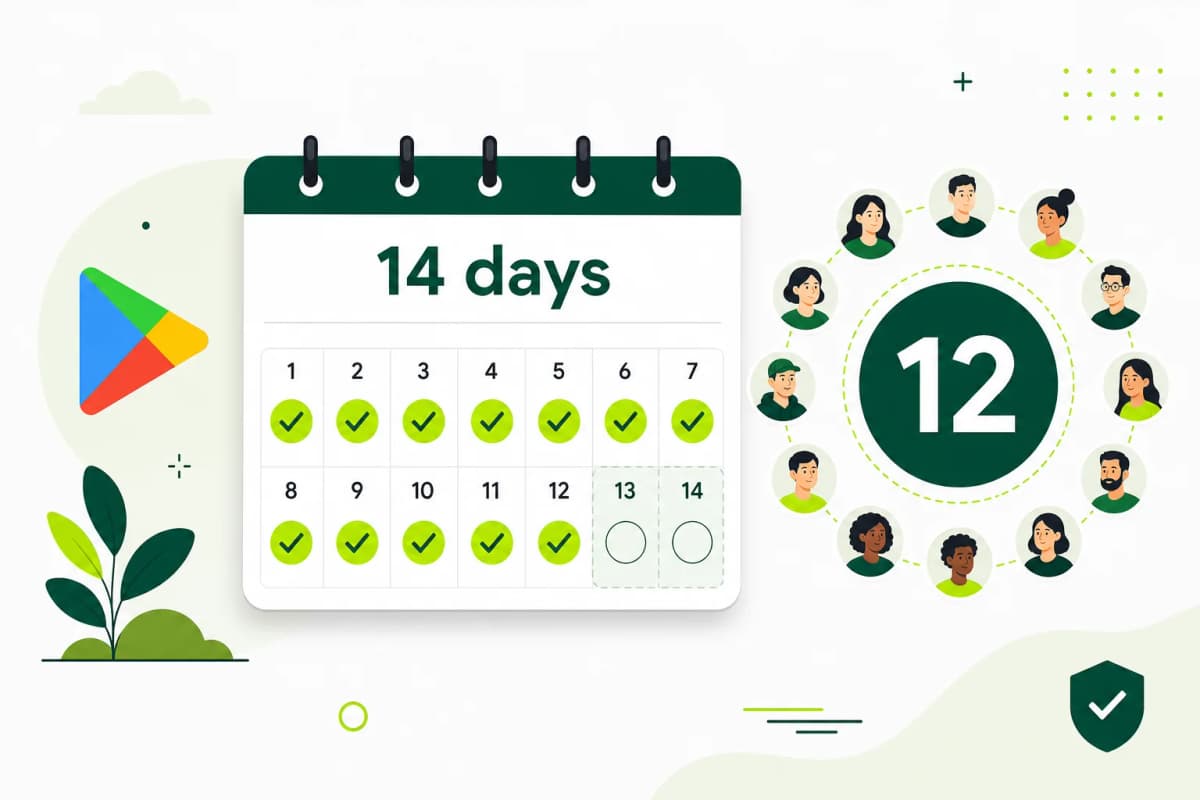
Need 12 testers for 14 days?
Start a managed Google Play closed-testing run with verified testers, opt-in monitoring, and a closeout report.