Policy
Keep a Release Requirements Log for Your Android App
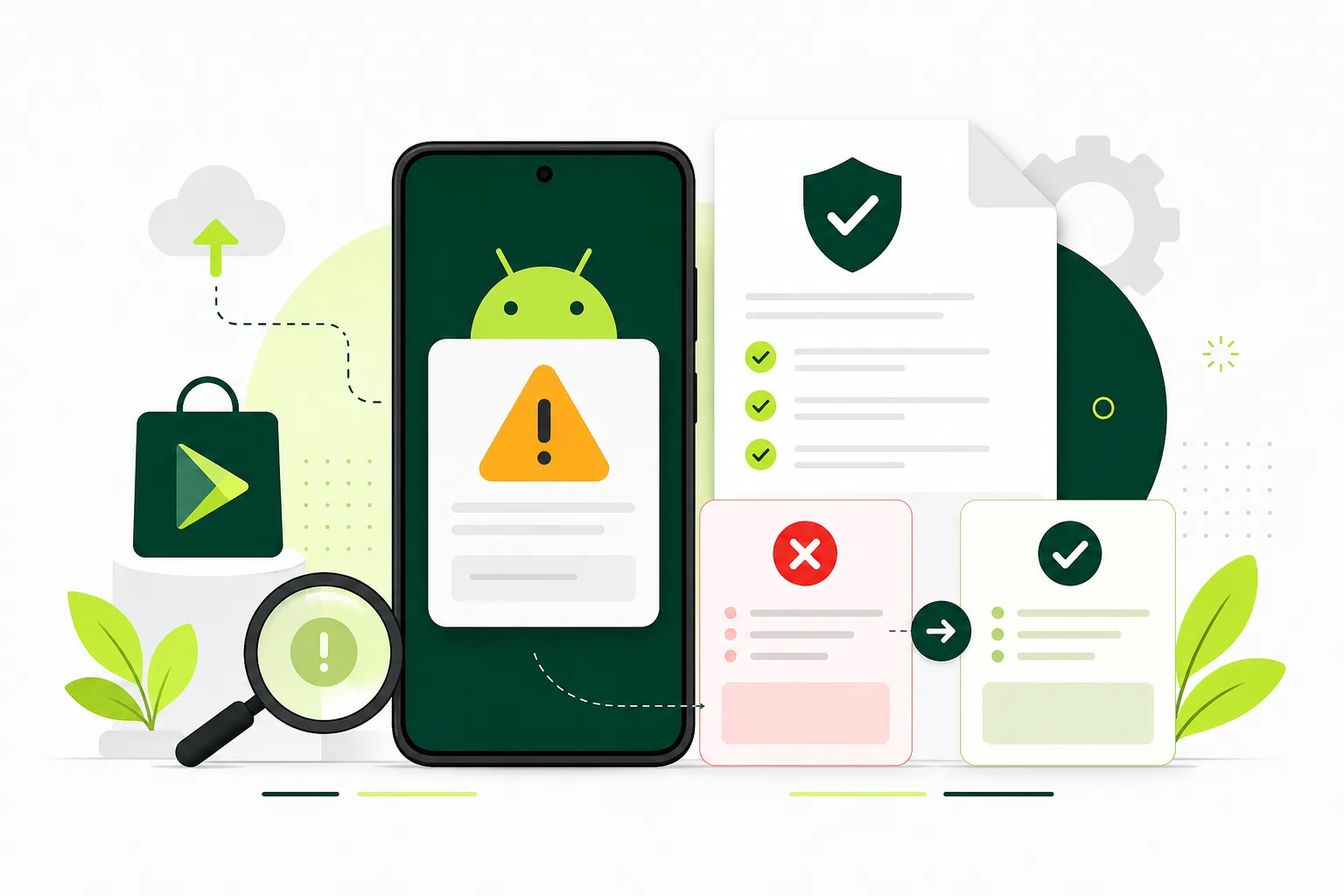
A lightweight routine for reviewing official changes and assigning follow-up work.
On this page · 4 sections
At a glance
In plain English
- Keep a small watch list
- Translate notices into tasks
- Review again before submission
Keep a small watch list
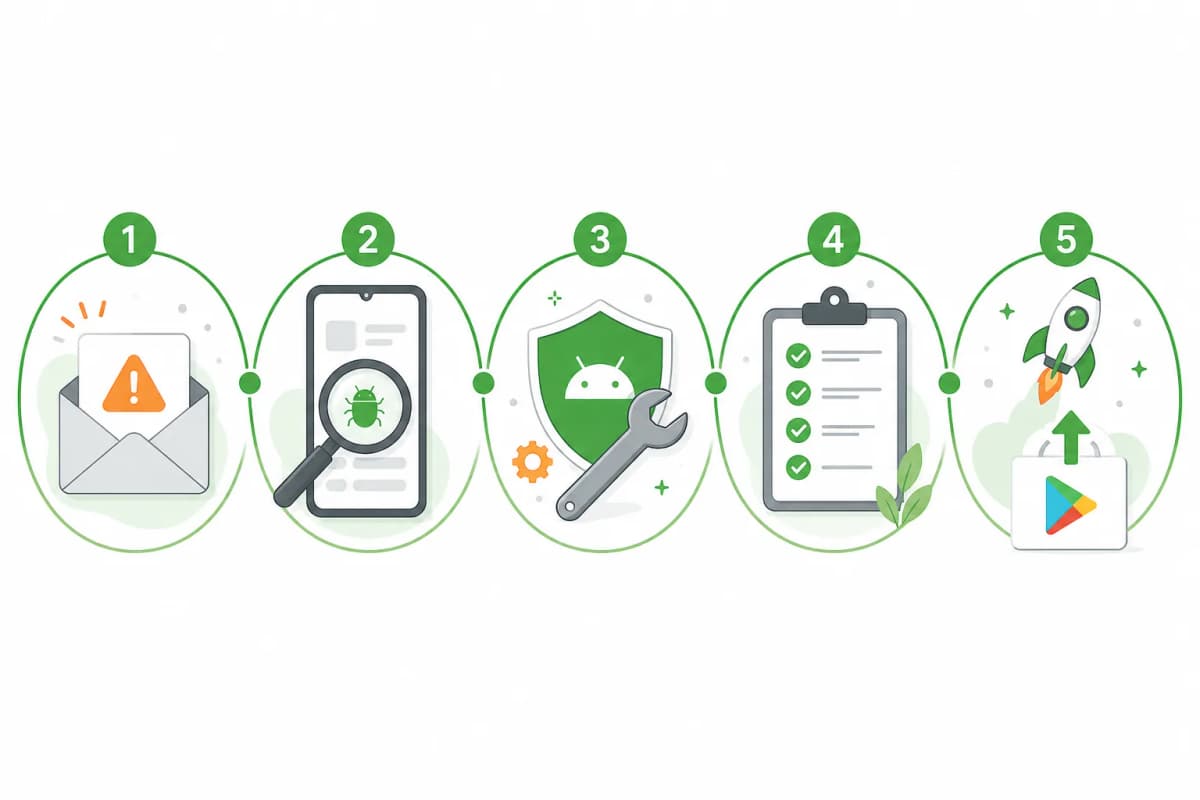
Record the official pages relevant to your app, such as testing, data declarations, permissions, and release requirements. Assign someone to review notices in Play Console. A dated internal log is more useful than an undated checklist copied from a third-party article.
Translate notices into tasks
For each relevant change, note the affected app versions, the stated deadline, the responsible person, and the check needed to confirm completion. Separate a confirmed requirement from a question that still needs investigation. Do not infer a new rule from a forum anecdote.
Review again before submission
Compare the final build and declarations against your log. Remove completed tasks only after recording the verification. If a requirement is unclear, follow the official documentation linked from your Console notice and seek clarification before making a launch commitment.
Sources
Official references used
- App testing requirements for new personal developer accounts (Google Play Console Help)
- Set up an open, closed, or internal test (Google Play Console Help)
Continue
Choose the next step
Related
Next pages to read
Need 12 testers for 14 days?
Start a managed Google Play closed-testing run with verified testers, opt-in monitoring, and a closeout report.