Policy
Investigate a Policy Rejection Without Guessing at the Fix
Trace a review concern from the policy reference to the screen, setting, or declaration involved.
On this page · 4 sections
At a glance
In plain English
- Locate the mismatch
- Check the shipped version
- Write a narrowly supported response
Locate the mismatch
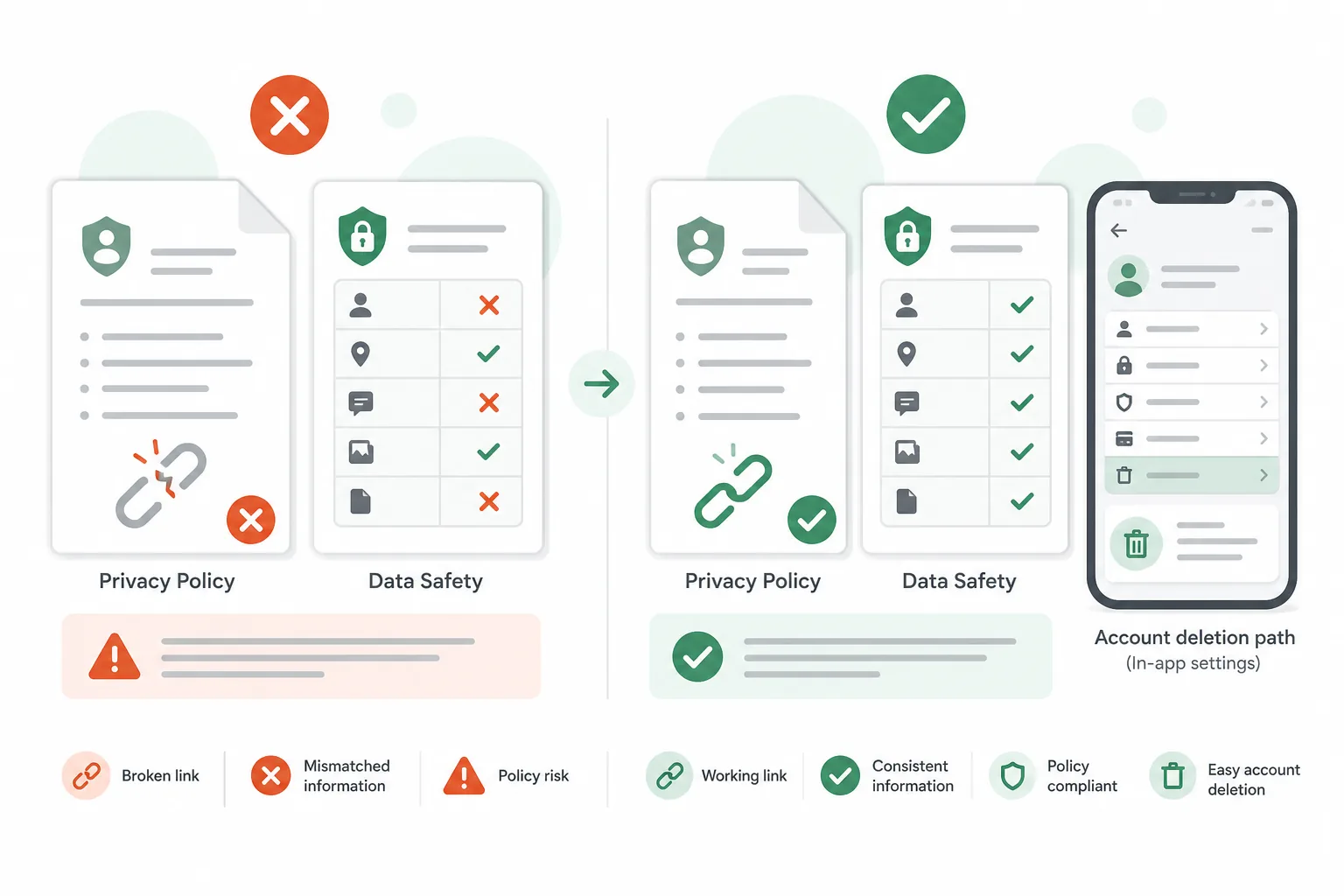
Read the linked policy and compare it with the actual build and listing. An old screenshot, a changed SDK, or an inaccessible account can make written declarations inconsistent with the product. Record the affected user journey before deciding whether the correction belongs in code or Console settings.
Check the shipped version
Test the exact version under review. A developer build with different credentials or features may hide the reported problem. Keep reviewer access instructions current, and verify that a fresh session reaches the relevant screens without private assistance.
Write a narrowly supported response
State what you changed, where the reviewer can see it, and how you verified it. Do not submit speculative claims about compliance. Use official policy documentation for interpretation and the Console's available review or appeal process for your specific case.
Sources
Official references used
- App testing requirements for new personal developer accounts (Google Play Console Help)
- Set up an open, closed, or internal test (Google Play Console Help)
- User Data policy (Google Play Policy Center)
- Provide information for Google Play's Data safety section (Google Play Console Help)
Continue
Choose the next step
Related
Next pages to read
Need 12 testers for 14 days?
Start a managed Google Play closed-testing run with verified testers, opt-in monitoring, and a closeout report.