Closed Testing
Plan Your Testing Calendar Around Participant Start Dates
Use a cohort timeline to avoid confusing invitation dates with continuous participation.
On this page · 4 sections
At a glance
In plain English
- Record events separately
- Model a staggered start
- Handle changes without guessing
Record events separately
Keep separate entries for release preparation, invitations, successful opt-ins, and feedback sessions. A single date labelled testing started hides important differences. Use one timezone for your internal records so a late-night invitation does not look like an extra completed day.
Model a staggered start
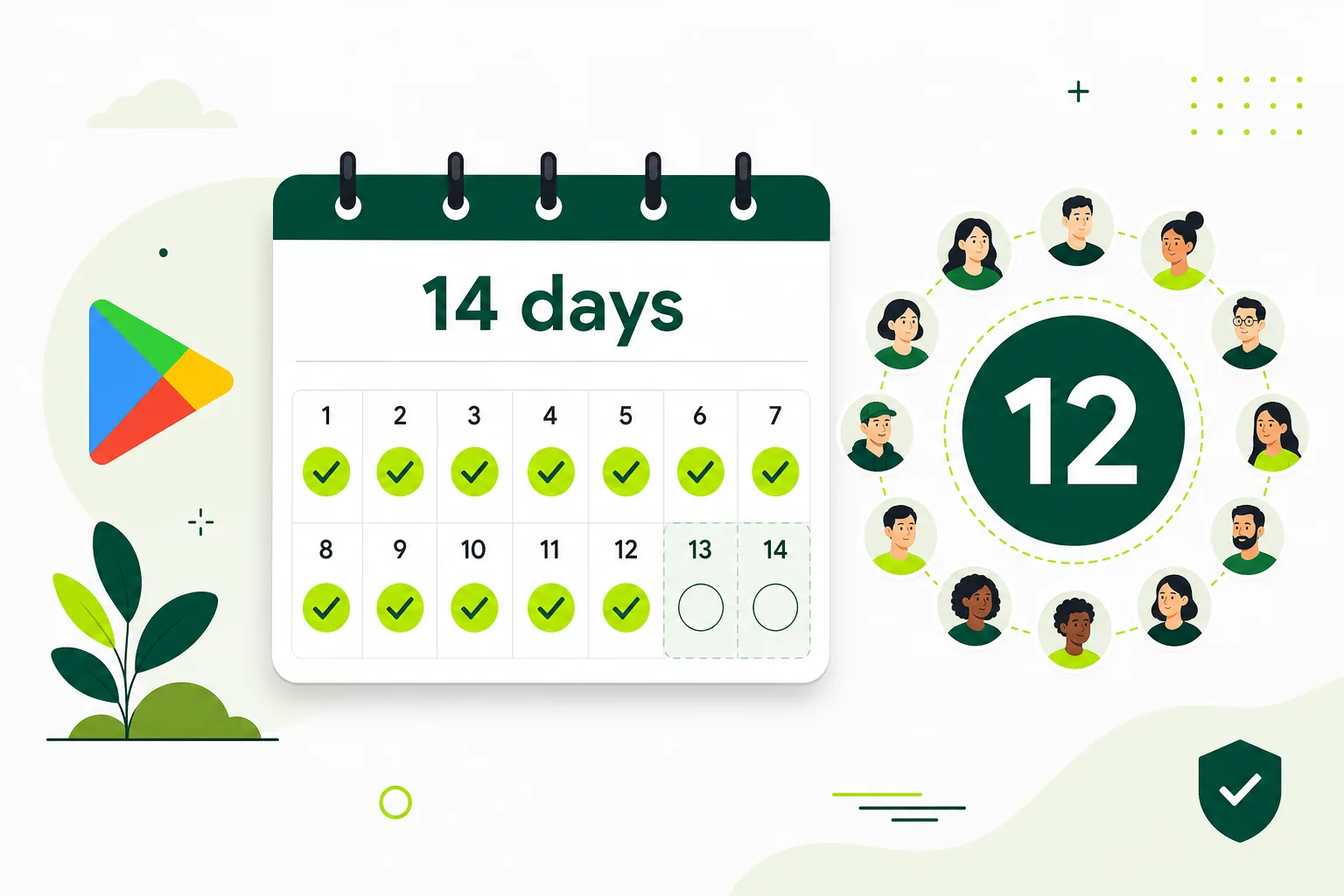
Suppose several participants join on Monday and the rest on Wednesday. Do not assume the entire group shares Monday's history. Consult Play Console's eligibility state before applying. This example illustrates scheduling uncertainty; it does not calculate an official eligibility date.
Handle changes without guessing
If someone leaves, identify whose continuous participation remains. A replacement does not inherit another person's history. Update your forecast and explain the delay to stakeholders. Do not claim every participant's progress automatically resets when one person opts out.

Sources
Official references used
- App testing requirements for new personal developer accounts (Google Play Console Help)
- Set up an open, closed, or internal test (Google Play Console Help)
Continue
Choose the next step
Related
Next pages to read
Need 12 testers for 14 days?
Start a managed Google Play closed-testing run with verified testers, opt-in monitoring, and a closeout report.